Running your First Query
Create and run your first query on Bitquery IDE by visiting https://ide.bitquery.io/.
Create an account
To continue, you must first register an account to access the IDE window.
Registration Process:
- Navigate to the Bitquery GraphQL IDE by visiting https://ide.bitquery.io/.
- If you are not registered, click on the "Not registered" link.
- You will need to provide your Email, Password, Password Confirmation, Name, and Company Name in the designated fields.
- Complete the CAPTCHA challenge and click the Submit button to proceed.
- After submitting your registration form, check your email for a confirmation message. Click the link within this email to verify your account. Once your email is successfully verified, you will receive a notification, confirming your account creation is complete.
If you do everything correctly, you will see the grey triangle in the middle of the screen to run the query.
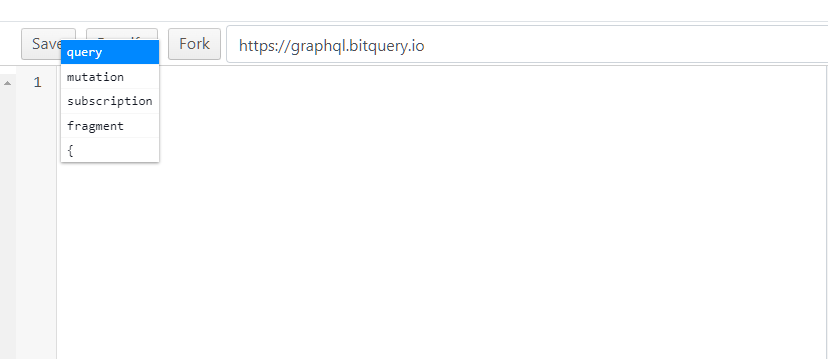
The query editor is in the center of the screen, and you can use handy Ctrl-Space key combination to see all possible options that you can enter at the edit point.
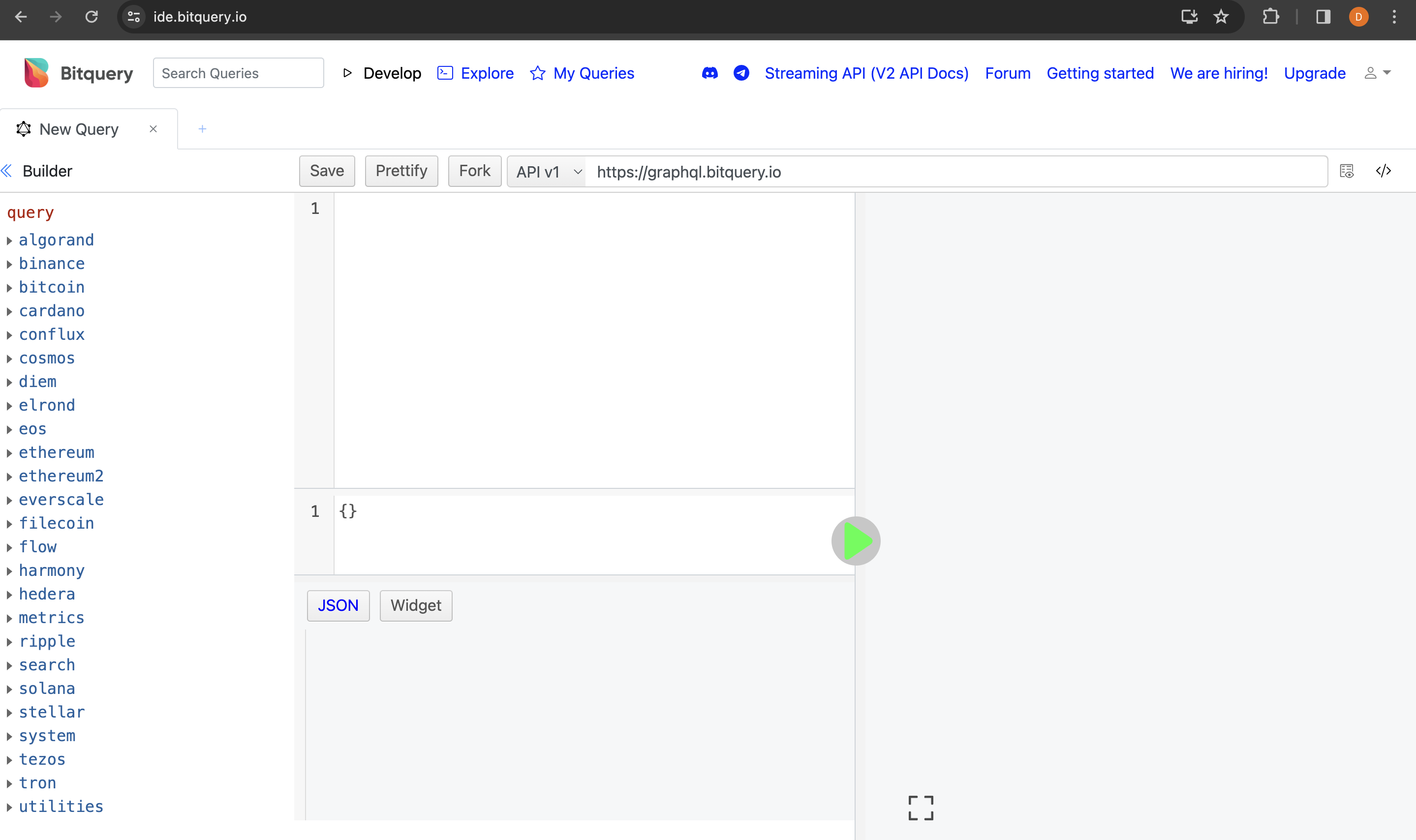
So you can type the query using hints from IDE. For example, you can query the latest 10 blocks on the ETH network:
{
  ethereum(network: ethereum) {
    blocks(options: {limit: 10, desc: "timestamp.time"}) {
      timestamp {
        time
      }
      height
    }
  }
}
Using Bitquery Explorer to get Queries
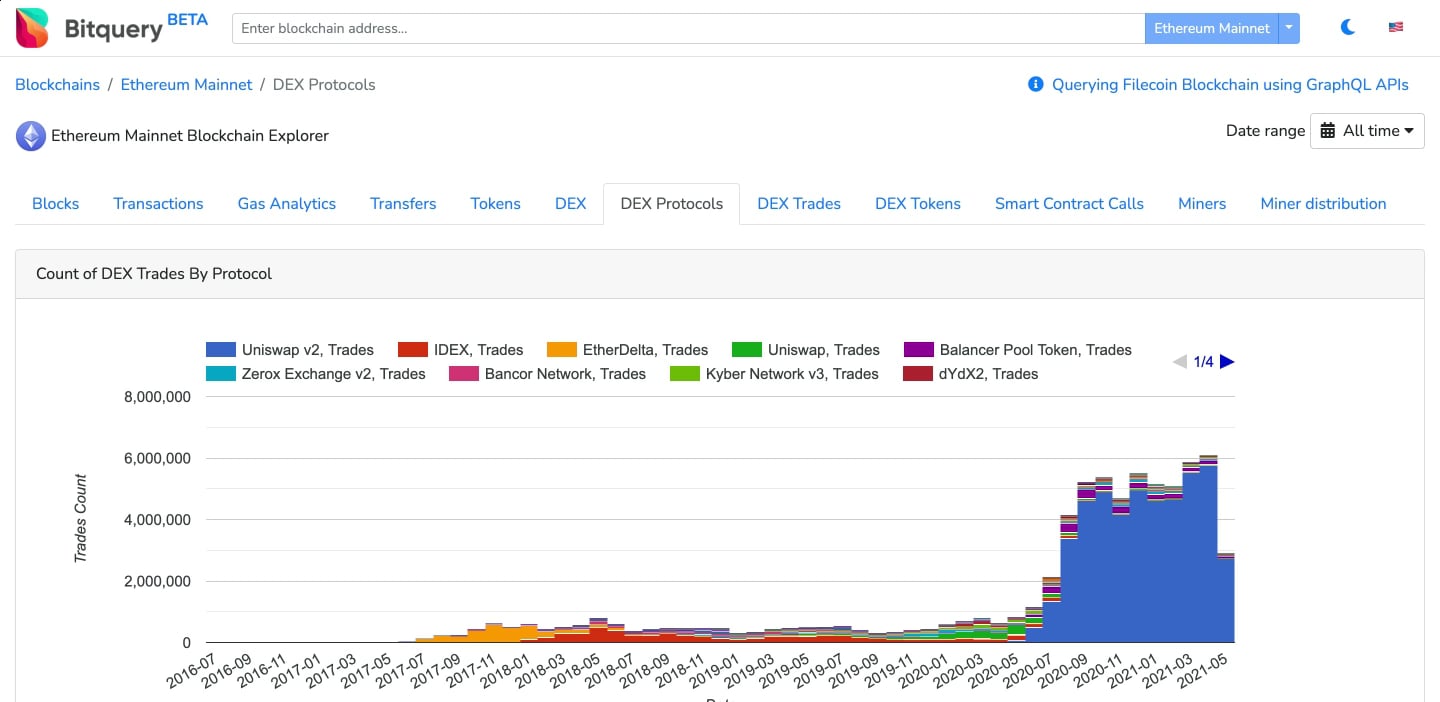
We have built our multi blockchain explorer to showcase our APIs, Therefore for beginners, I recommend first check our explorer.
You can enter your token, transaction, address anything and search for it. Once you see the relevant data you can click on the "graphql" button at the bottom right corner to check what GrpahQL query is responsible for that data. I highly recommend searching our explorer first before
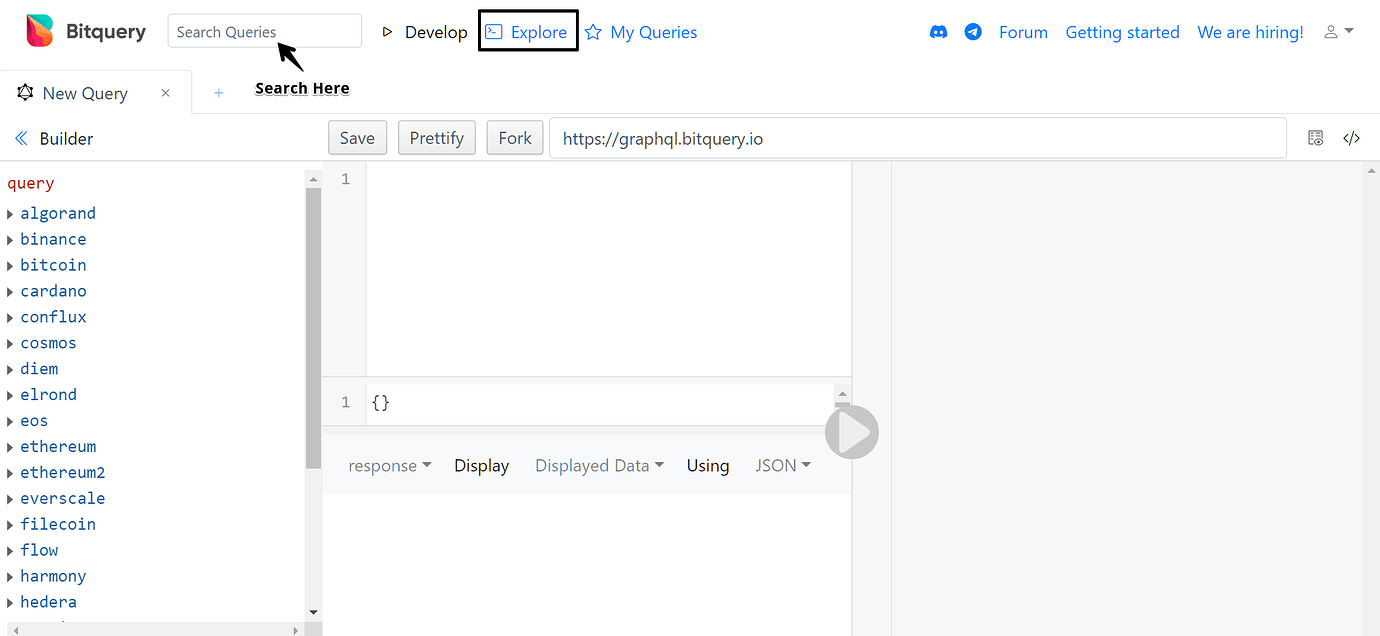
Check our IDE Explorer - Examples
We have built our GraphQL IDE to make it easy to work with blockchain data. Using our IDE you can create, save, test, and share your GraphQL queries.
Start typing in the search bar in the IDE to find queries written by other users.
You can find a lot of query examples created by our community on our IDE, I recommend checking them first, most probably someone already build the query which you are looking for.
Auto Complete
Use CTRL + Space to use autocomplete.
Schema
You can find our GraphQL Schema on our IDE.
Calling Bitquery APIs programmatically To call our APIs programmatically, you will need Access Token, which you can get it by signing up on our GraphQL IDE, to learn more read this article.
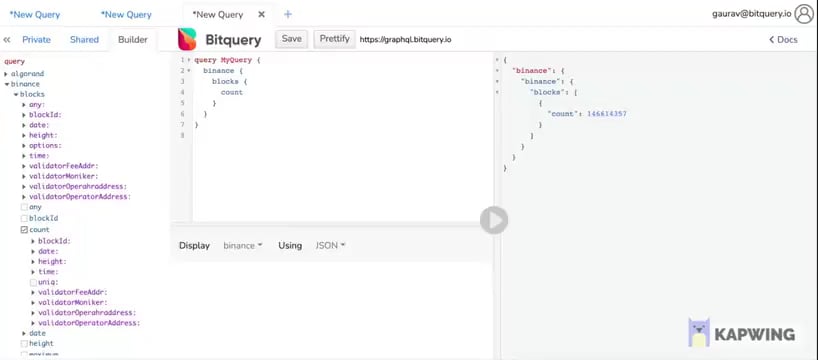
Query Builder
We also have a Query Builder on our IDE which is built to help you create our queries easily. This way you can create queries with simple clicks.
Important Links
- V1 docs -
https://docs.bitquery.io/v1/ - V2 Docs -
https://docs.bitquery.io/ - Difference between v1 and v2
- How to call Bitquery APIs programmatically, Read Here and here.
- To see the difference APIs provided by Bitquery please check this
Check our Blogs We have written blog posts to help you explain our APIs, please them on the Bitquery blog. Additionally, read these blogs if you are new to Bitquery.
Community If you still don't question our GraphQL APIs please ask them on this forum, and always provide complete details.
Check our Youtube Channel for video tutorials.