Getting Started
In this section, we will see how to set up a pipeline using Bitquery real-time GraphQL subscriptions.
We will use a subscription query, integrate Google Pub/Sub, create subscribers, and then set up a BigQuery table to receive data from one of those Pub/Sub subscribers.
This is just a sample setup—you can use any intermediary to feed data into Google BigQuery or any other cloud database.
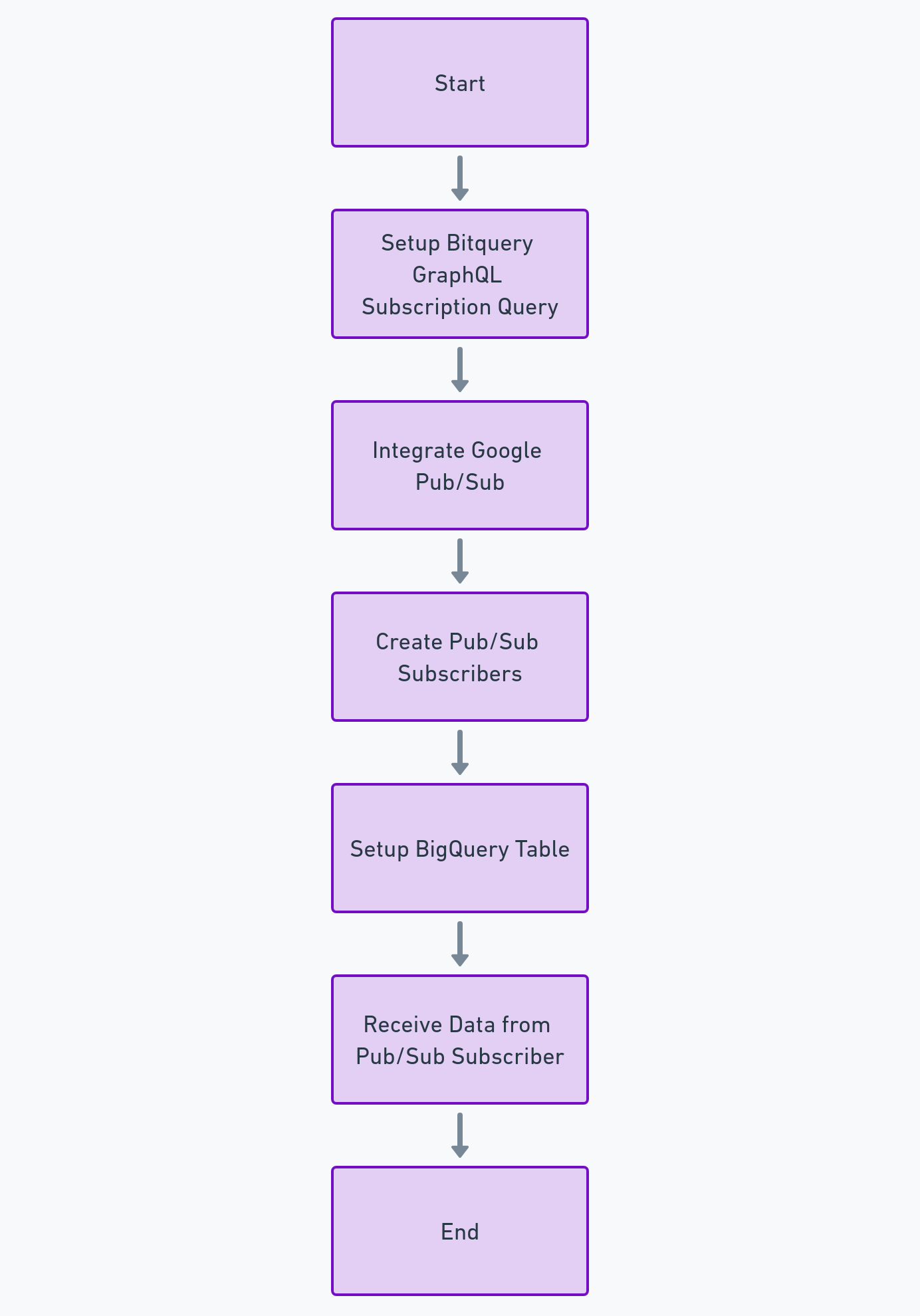
Architecture
-
Pub/Sub acts as a messaging intermediary, allowing your Bitquery data pipeline to be independent of downstream consumers.
-
You can later process or store the data in different systems (e.g., BigQuery, Cloud Functions) without modifying the Bitquery integration.
Prerequisities
- Enable billing on your Google Cloud Account ( Free-tier allowed), needed for APIs
- Setup Access for Service Accounts to access Pub-Sub Subscription and Google Bigquery Table
Video Tutorial
Scalability
- Pub/Sub scales automatically, ensuring that your system can handle spikes in Bitquery traffic without worrying about overloading downstream systems.
Reliability
Pub/Sub guarantees delivery "at least once," so you don't lose data even if there are temporary processing failures.
Flexibility
Pub/Sub supports multiple subscribers for the same topic, so you can fan out data to different systems (e.g., analytics, monitoring, alerts).
Ready to run this in production?
Get an API key and run these queries in minutes, or talk to us about plans and enterprise delivery.