Develop in Team
Bitquery IDE is built for Teams. You can invite team members and share the same billing account.
You can invite up to 3 members for free, then $30 per team member.
To invite your team, use the dropdown menu in our IDE.
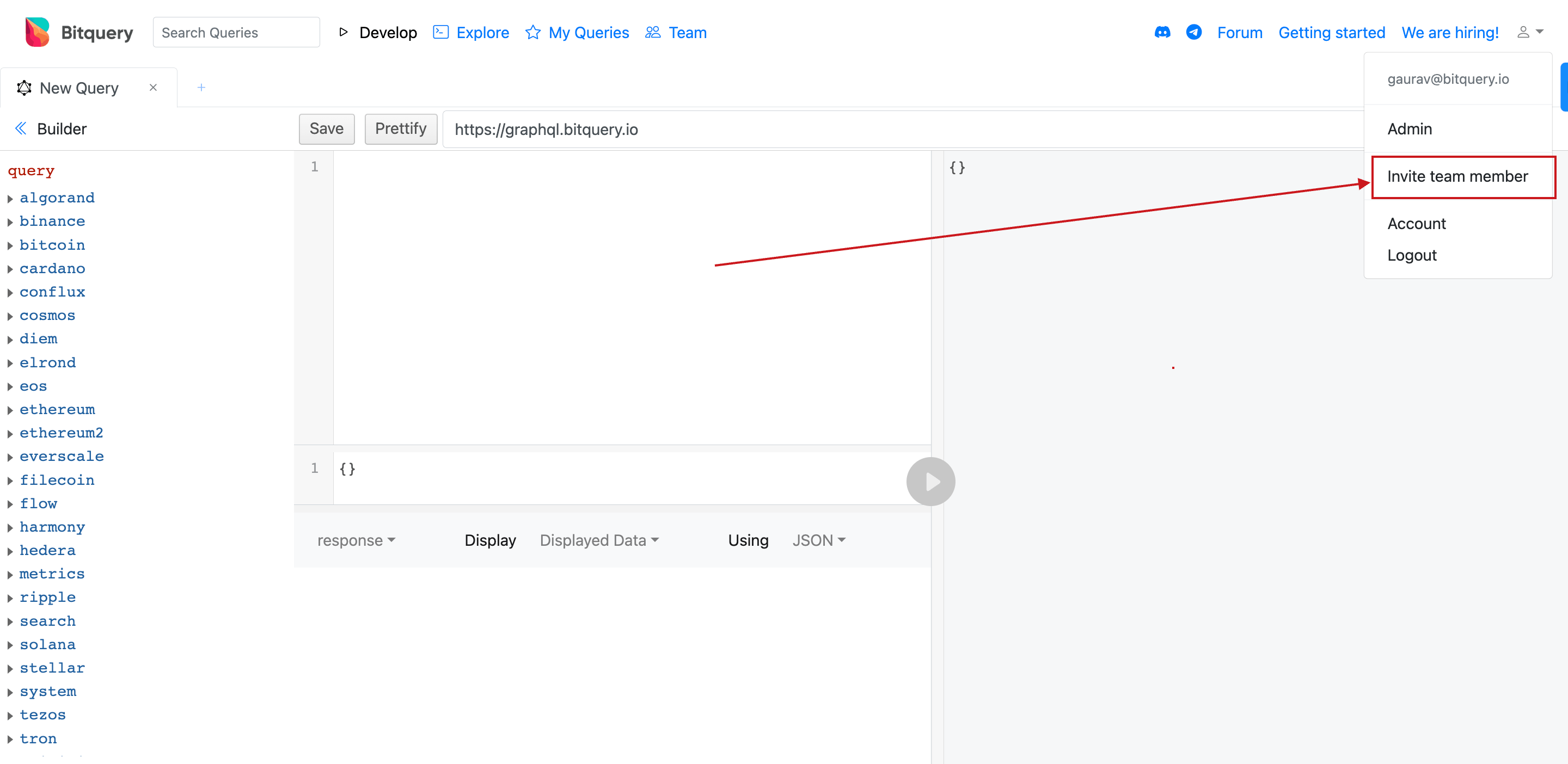
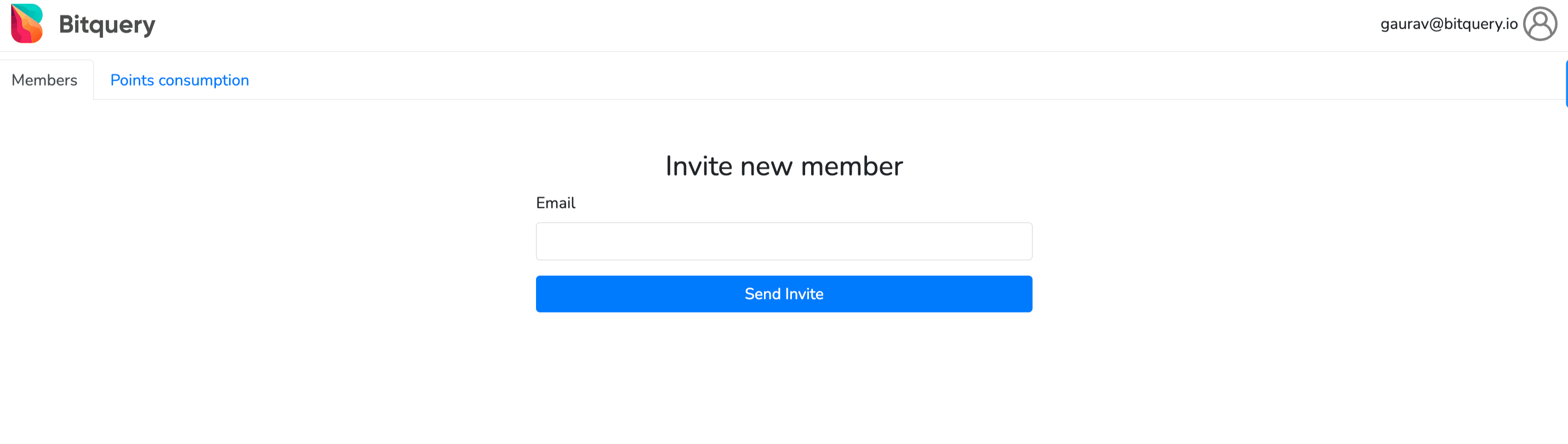
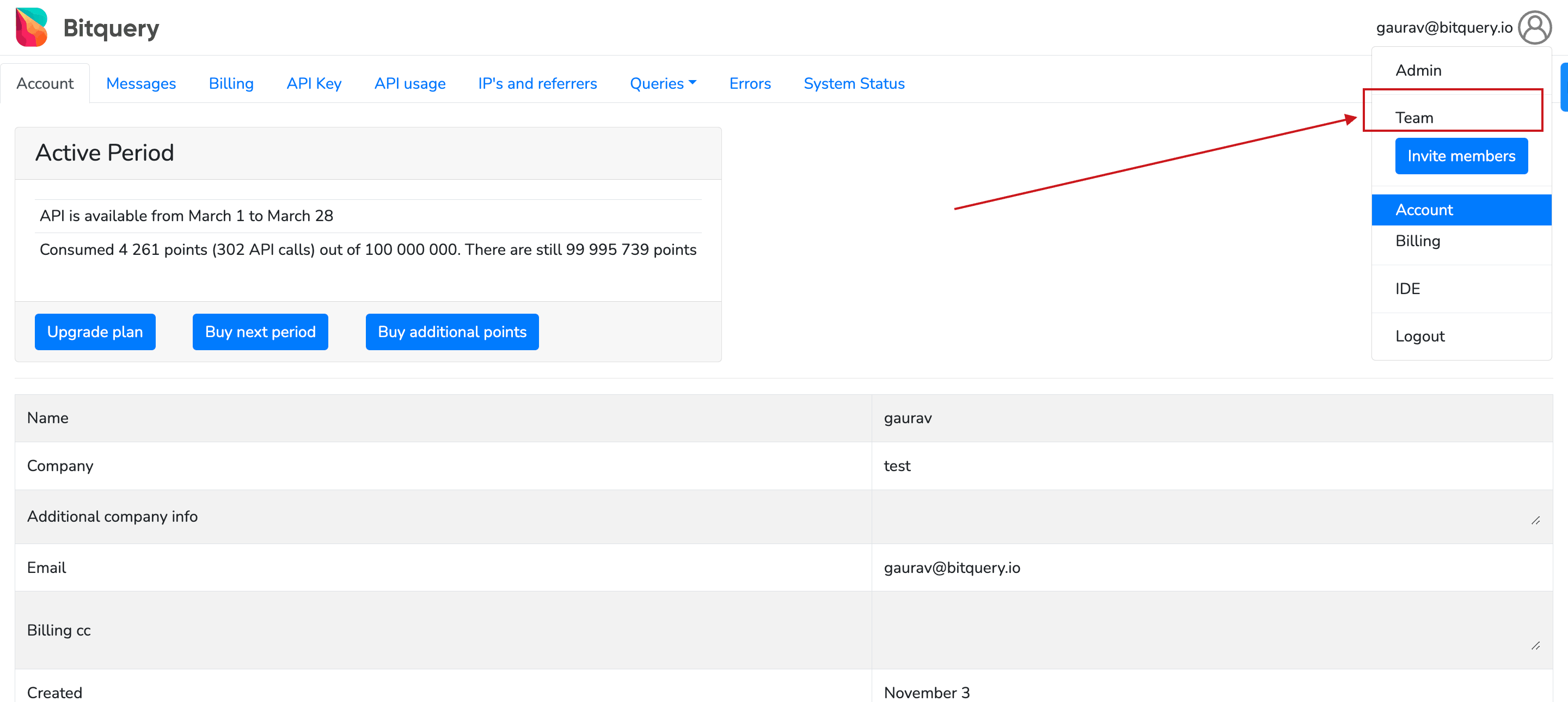
You can view your team from your account dashboard: sign in at account.bitquery.io, then use the Authorization menu in the top bar (or the equivalent entry under account settings).
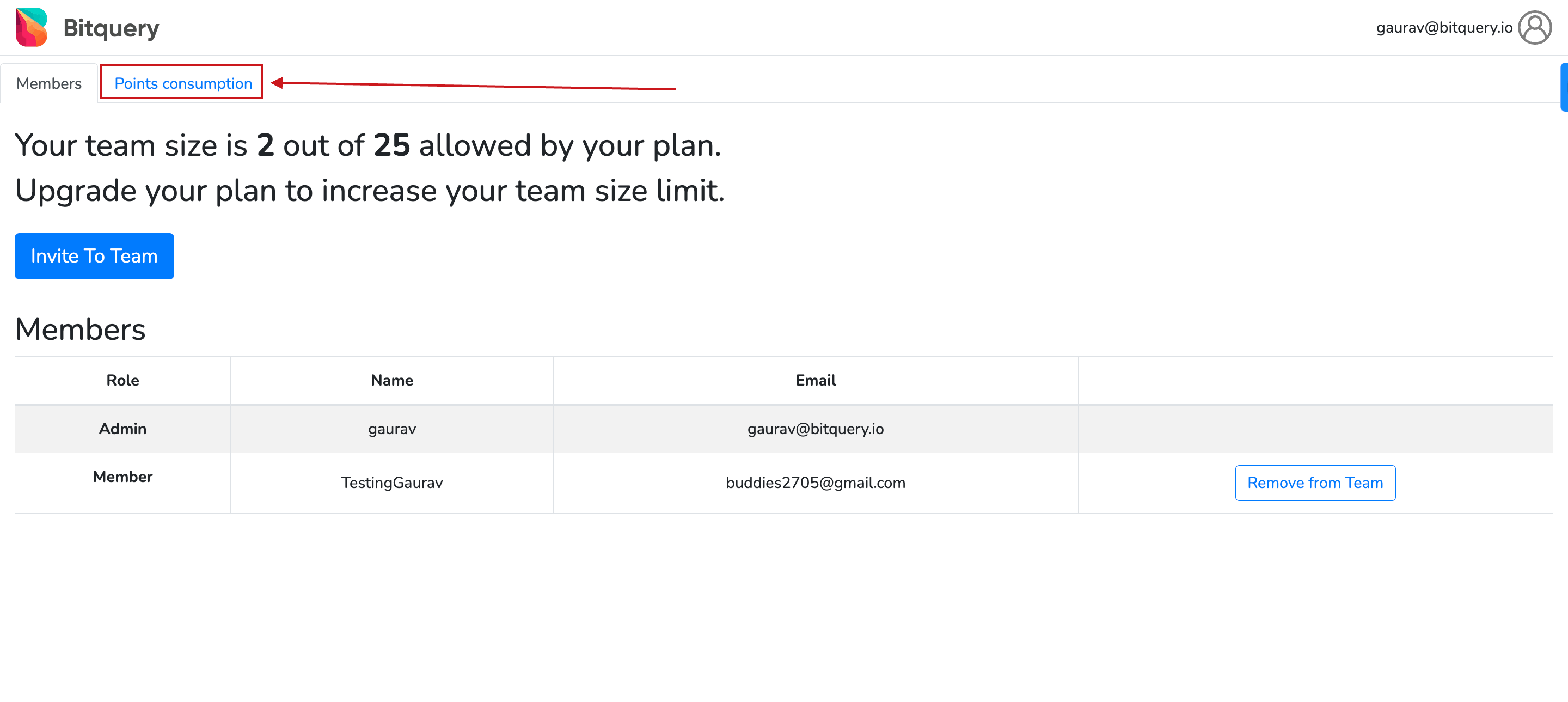
You can also check your team member's points consumption and, if needed also, remove them from the Team window.
Build with Bitquery
Ready to run this in production?
Get an API key and run these queries in minutes, or talk to us about plans and enterprise delivery.