Address Details Panel
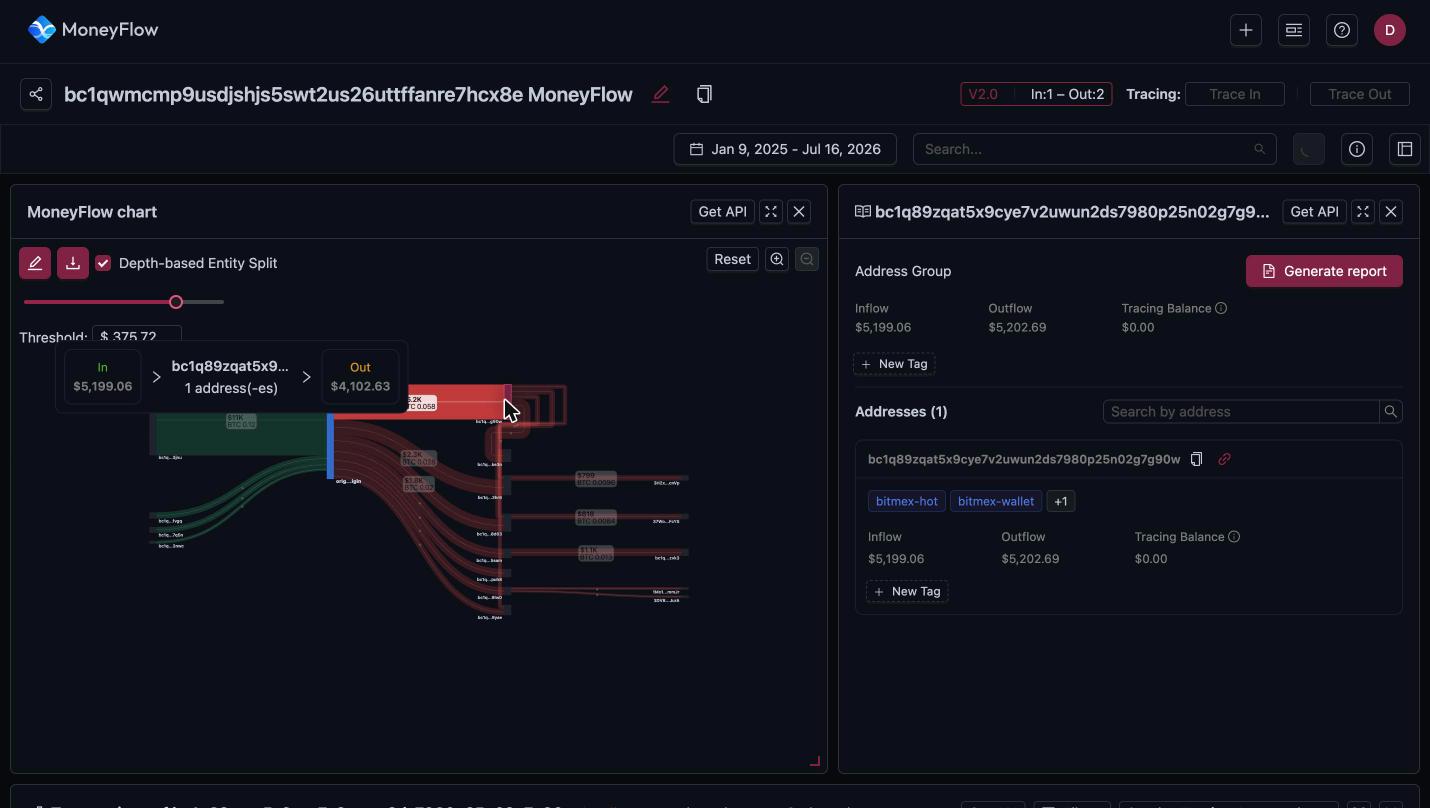
Click a node in the chart to open its details in the right-hand panel. The panel header shows the address, or origin for the starting address.
Address Group
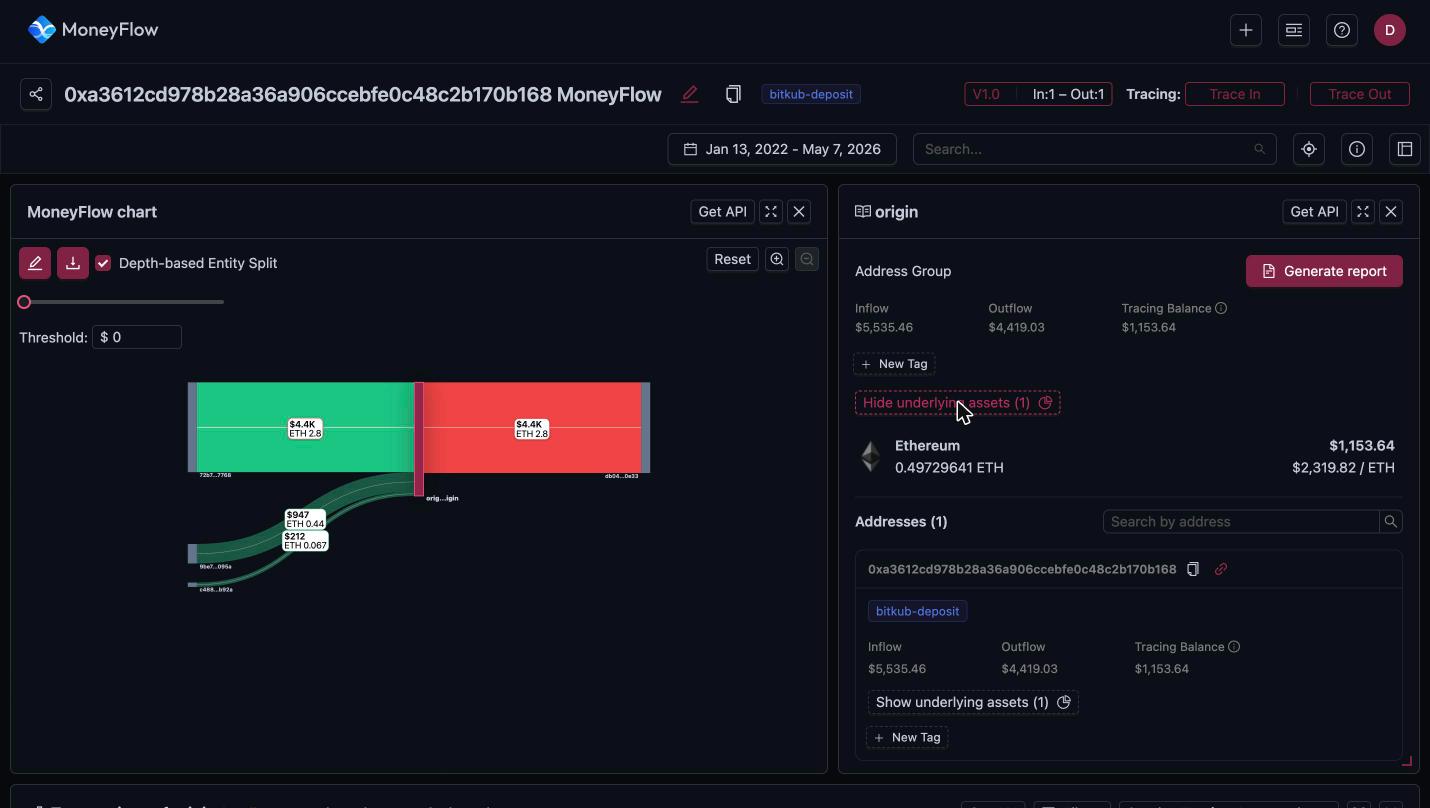
The top block summarises the whole node. With Depth-based Entity Split on, a node can group several addresses, so these totals cover all of them.
| Field | Meaning |
|---|---|
| Inflow | USD value received by the group within the trace. |
| Outflow | USD value sent by the group within the trace. |
| Tracing Balance | Inflow minus outflow, multiplied by the current price. It is the amount of traced money still sitting at the node. It is not the on-chain balance of the address. |
New Tag adds your own tag to the group. See Address labels and tags.
Show underlying assets
On account-based chains the panel has a Show underlying assets button. It lists each asset held at the node with the amount, the current price and the USD value.
Addresses
The Addresses (n) section lists every address in the group. Each entry shows:
- The full address, a copy icon, and a link icon. The link opens a new instant MoneyFlow for that address.
- Address labels, such as
bitmex-hotandbitmex-wallet. A+1badge means more labels exist. Hover it to see them all. - Inflow, outflow and tracing balance for that single address.
- New Tag for a custom tag on that address.
Use Search by address to find one address in a large group.
Generate report
Generate report builds a CSV report of the node's transactions. Reports appear under the Reports tab of the MoneyFlows list once ready, with a Status column.
Get API
Get API opens the Coinpath® query for this panel in the Bitquery IDE. See Get API.
Transactions of the node
When a node is selected, the table at the bottom changes to Transactions of <address>. It lists only the transfers that touch this node. See transactions table.
Ready to run this in production?
Get an API key and run these queries in minutes, or talk to us about plans and enterprise delivery.