Get API: Open the Coinpath® Query in the IDE
Every MoneyFlow is built from Coinpath® queries. The Get API button opens the query behind a panel in the Bitquery IDE, so you can reproduce the trace in code.
Where the button is
- MoneyFlow chart header: the query for the whole chart.
- Address details or Edge details header: the query for the selected node or edge.
- Transactions table header: the query for the rows shown.
What opens
Get API opens the IDE in a new browser tab. If nothing appears, allow pop-ups for lite.bitquery.io or pause your ad blocker for the site.
The IDE loads with a Coinpath® query and the variables pre-filled from the MoneyFlow: network, origin address, inbound and outbound depth, and the date range. The endpoint selector is set to API v1 and https://graphql.bitquery.io.
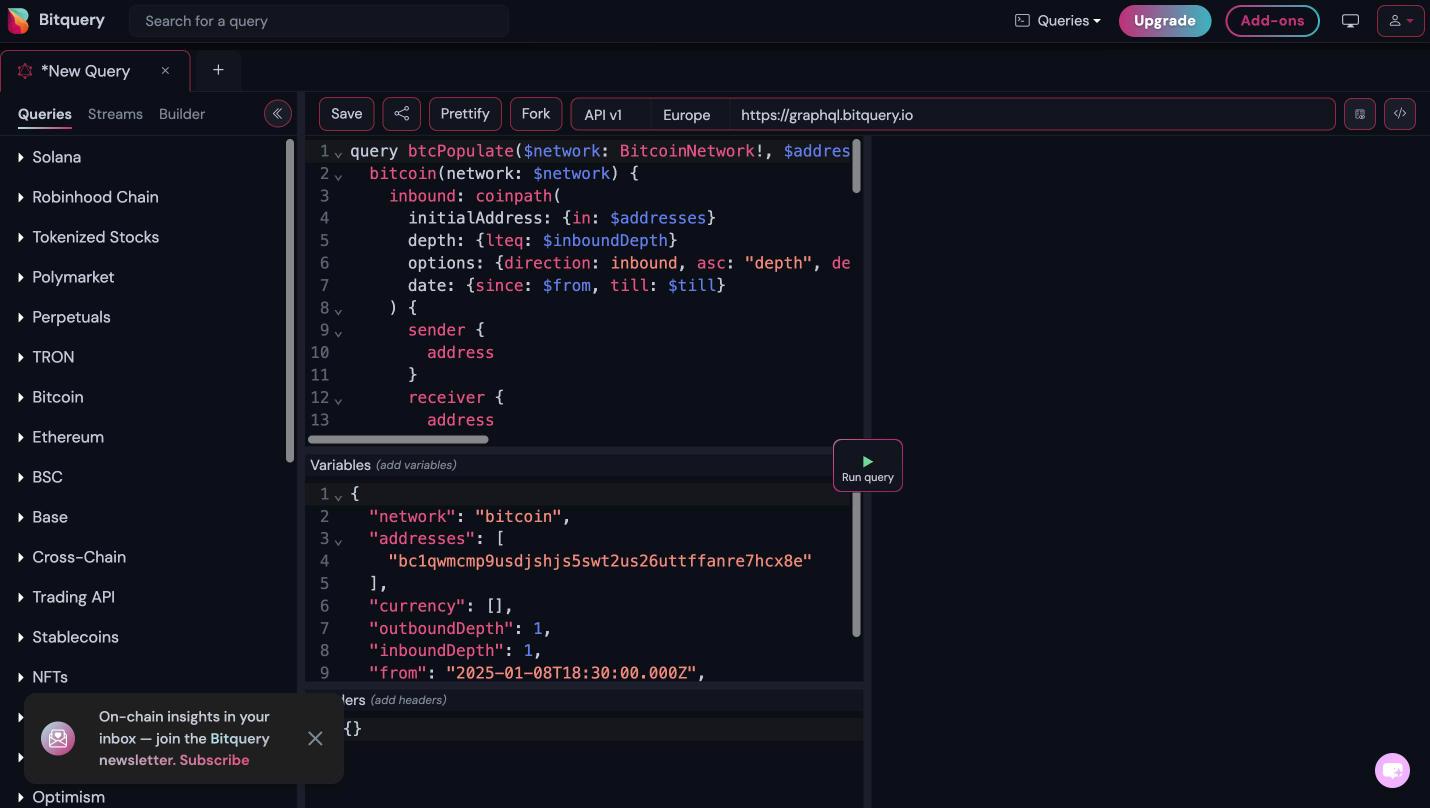
This is the Bitcoin query the chart's Get API button generated for the trace used in this guide:
query btcPopulate(
  $network: BitcoinNetwork!
  $addresses: [String!]
  $inboundDepth: Int!
  $outboundDepth: Int!
  $from: ISO8601DateTime
  $till: ISO8601DateTime
) {
  bitcoin(network: $network) {
    inbound: coinpath(
      initialAddress: { in: $addresses }
      depth: { lteq: $inboundDepth }
      options: { direction: inbound, asc: "depth", desc: "amount" }
      date: { since: $from, till: $till }
    ) {
      sender {
        address
      }
      receiver {
        address
      }
      amount
      amountUSD: amount(in: USD)
      depth
      currency {
        address
        name
        decimals
        symbol
        tokenId
      }
      transactions {
        amount
        txHash
        txValue
        timestamp
      }
    }
    outbound: coinpath(
      initialAddress: { in: $addresses }
      depth: { lteq: $outboundDepth }
      options: { asc: "depth", desc: "amount" }
      date: { since: $from, till: $till }
    ) {
      sender {
        address
        annotation
      }
      receiver {
        address
        annotation
      }
      amount
      amountUSD: amount(in: USD)
      depth
      count
      currency {
        address
        name
        decimals
        symbol
        tokenId
      }
      transactions {
        amount
        txHash
        txValue
        timestamp
      }
    }
  }
}
Variables:
{
  "network": "bitcoin",
  "addresses": ["bc1qwmcmp9usdjshjs5swt2us26uttffanre7hcx8e"],
  "currency": [],
  "outboundDepth": 1,
  "inboundDepth": 1,
  "from": "2025-01-08T18:30:00.000Z",
  "till": "2026-07-16T18:29:59.000Z"
}
How the query maps to the app:
inboundandoutboundare the two halves of the chart.direction: inboundwalks senders; the default direction walks receivers.transactions { txHash amount txValue timestamp }are the rows of the transactions table.amountis the tracing amount andtxValuethe full transaction amount.annotationis the address label shown on nodes.fromandtillare the trace's date range, converted to UTC.
Change the depth
The generated variables carry depth 1 on each side, which is the first hop of the trace. Edit inboundDepth and outboundDepth to reproduce a deeper trace, or to go further than the app did. Deep traces on busy addresses return a lot of rows, so add a limit in options when you raise the depth.
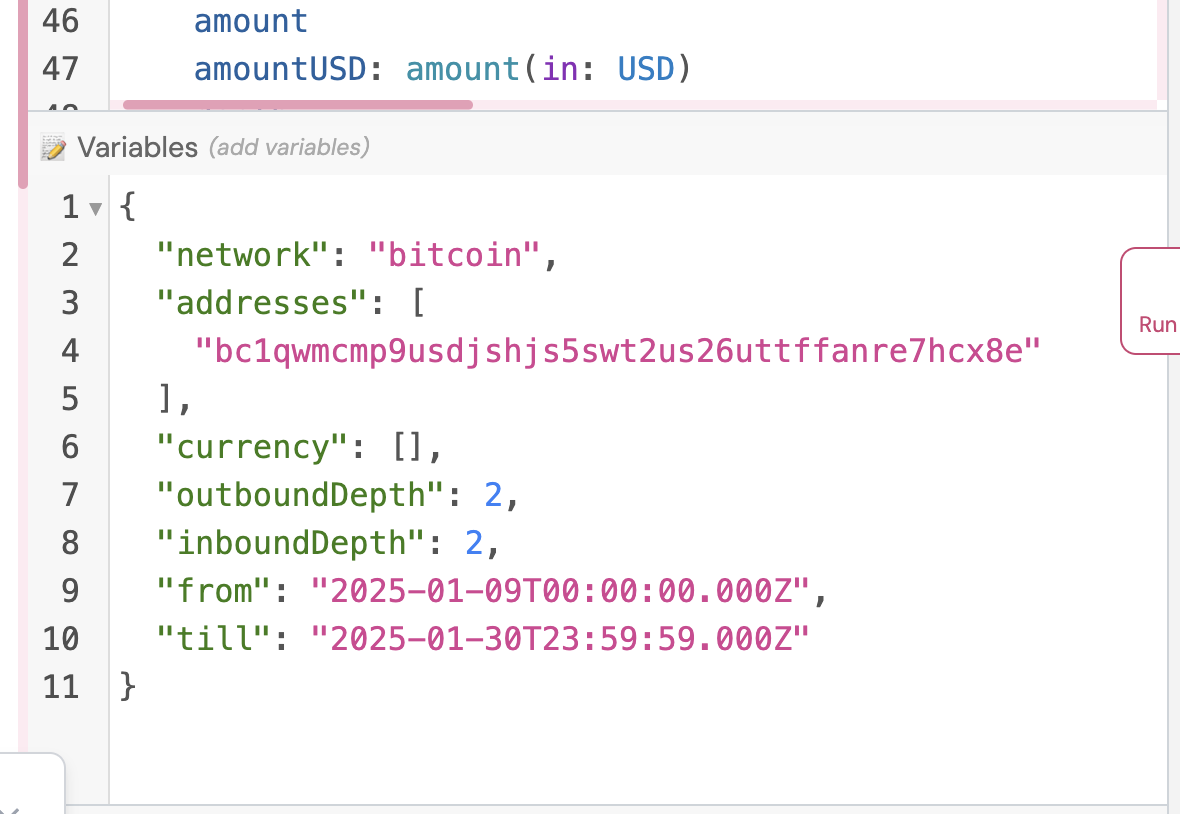
Run the query
Click Run query. The response lists each sender-receiver pair with the amount, the USD value, the depth and the transactions behind it.
Generate code
Click the </> icon at the right end of the IDE toolbar to generate a client in Python, JavaScript, Go, Java, curl and other languages. The generated code includes the query, the variables and the authorization header.
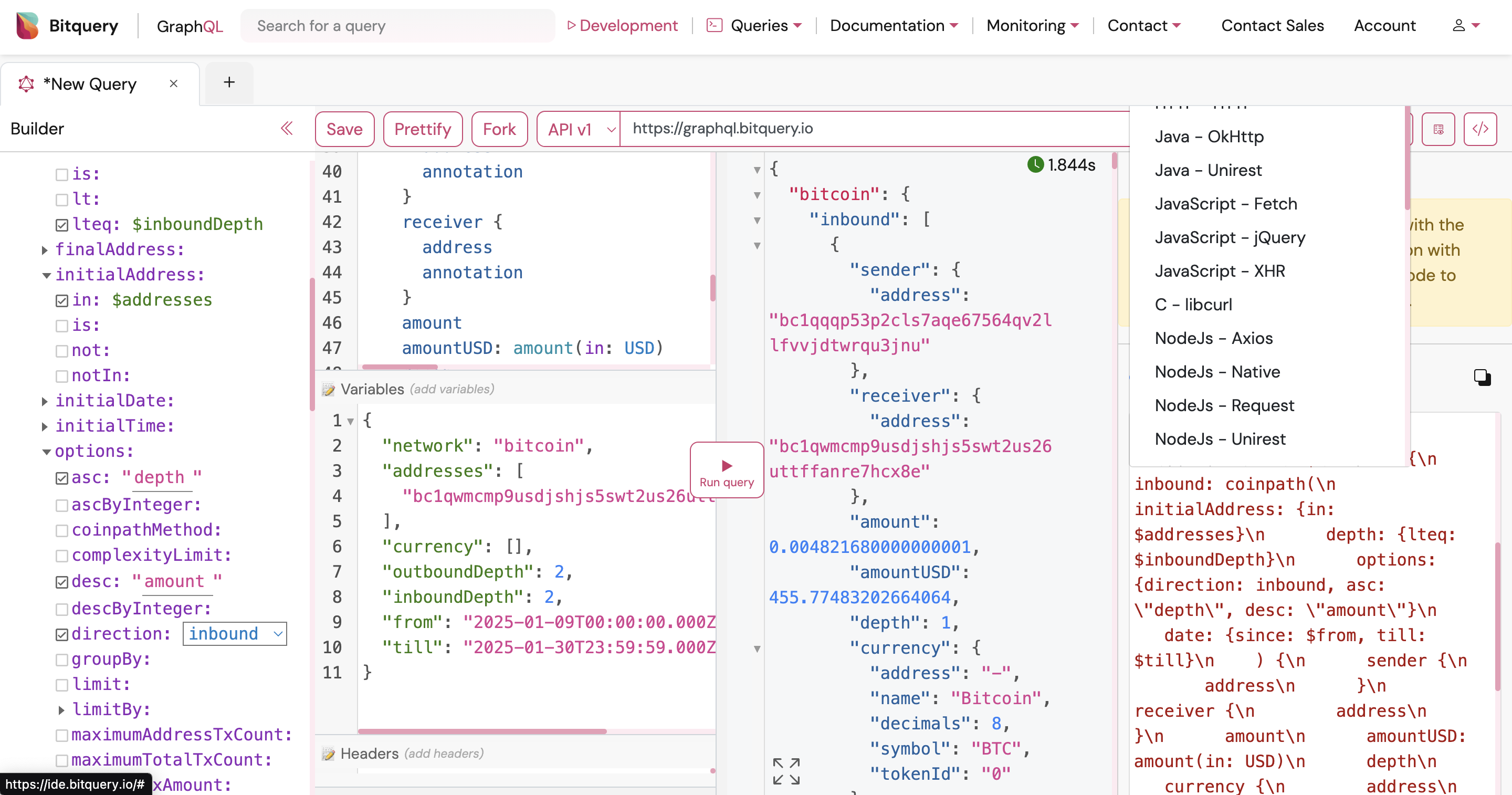
Read how to generate a token before you run the code outside the IDE.
Related
- Bitcoin Coinpath API for more Bitcoin query examples.
- How to read a Coinpath graph for the query dimensions.
Ready to run this in production?
Get an API key and run these queries in minutes, or talk to us about plans and enterprise delivery.